




Don't do this for your first game.
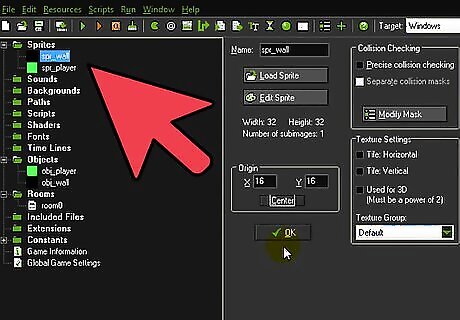
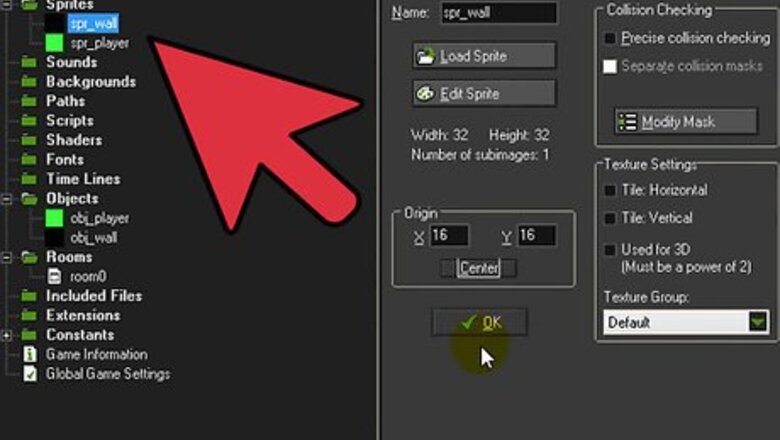
Make a simple block sprite for your wall. Also make a sprite for your player. For the wall call it spr_wall and the player spr_player
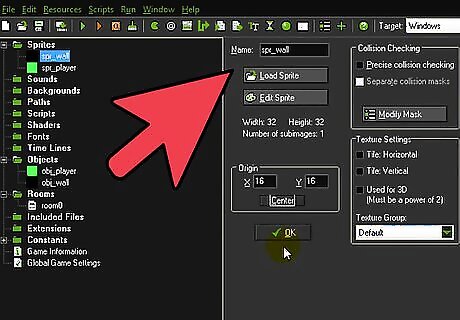
Make an object called obj_wall and check the solid box.
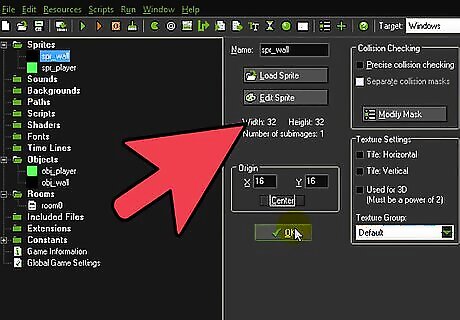
Make sure you select the wall sprite.

Make an object and call it obj_player.
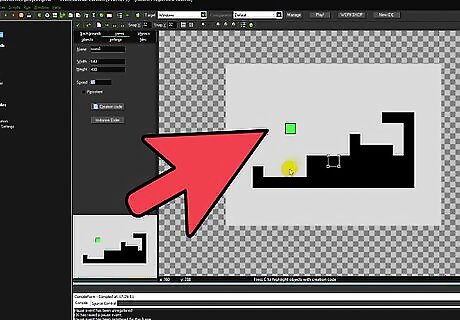
Make sure you select your player sprite.
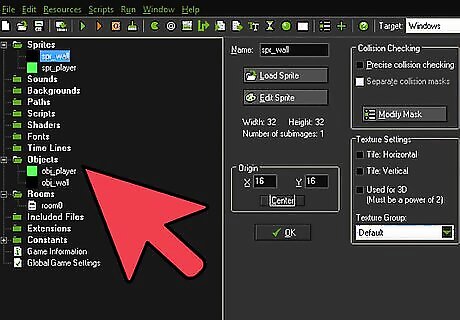
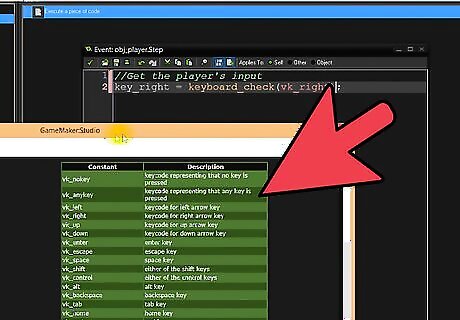
For obj_player: go to add event and click Step then Step again. Then go to the control tab, and drag and drop the 'execute code' action.
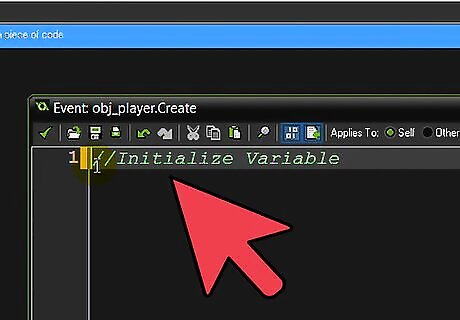
Now in the code box put in// simple Platforming code!//if place_free(x,y+1){gravity = 0.7gravity_direction = 270}else{gravity=0gravity_direction = 270}//the arrow keys<,>,^if place_free(x-4,y)and keyboard_check(vk_left){x-=4}if place_free(x+4,y)and keyboard_check(vk_right){x+=4}if !place_free(x,y+1)and keyboard_check(vk_up){vspeed=-10}
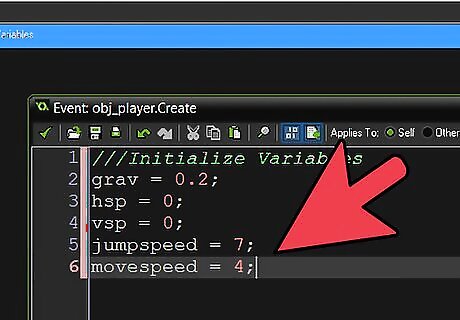
Just copy and paste.
For obj_player: Go to add event, then Collision, then with obj_wall.
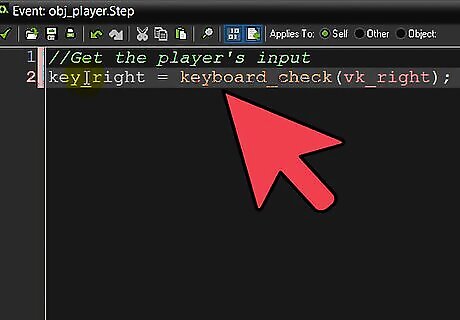
Put in this code (go to the control tab and drag and drop 'execute code':move_contact_solid(direction,12);vspeed=0;
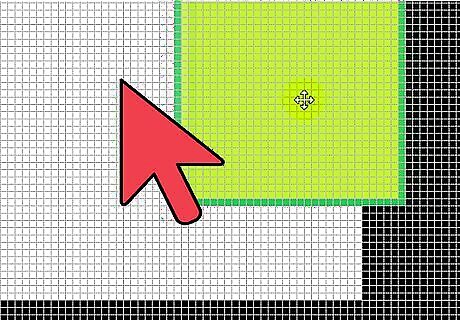
Make a room, call it room_1, make a level design by clicking with the selected object and save the room (click the tick at the top.)
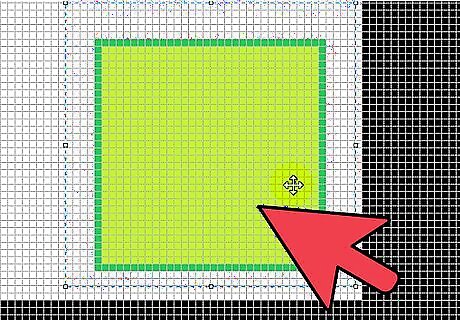
Run the game!









Comments
0 comment