





Have you ever seen a picture on Google or someplace else and wanted to put that on email, but you couldn't and had to provide a link to it? Read this and you won't have to worry again.

Find the picture you want to put on the mail.

View the picture at full size.
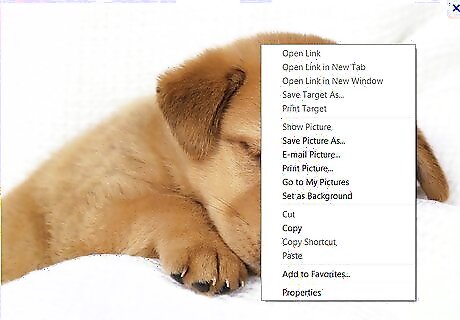
Right click on it.
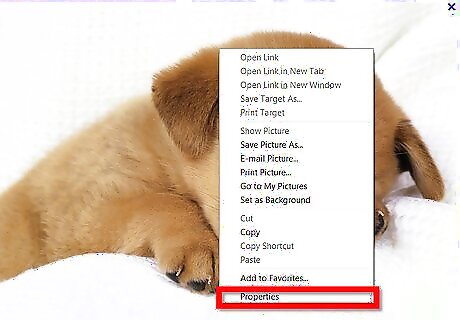
Click on Properties.
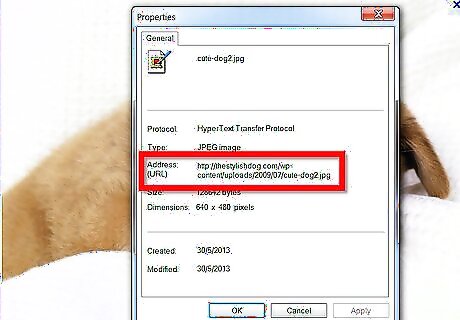
Find where it says: Address (URL).
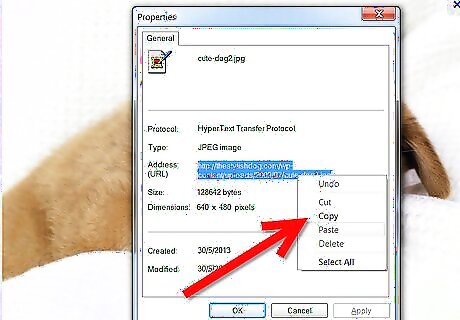
Highlight the address on the right and copy it.
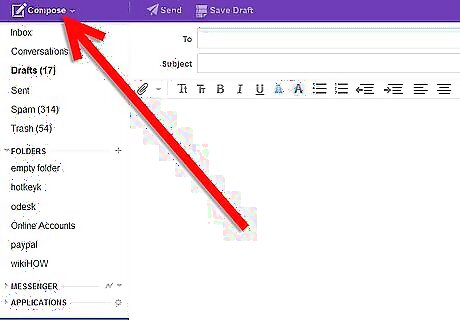
Open up a new mail message.
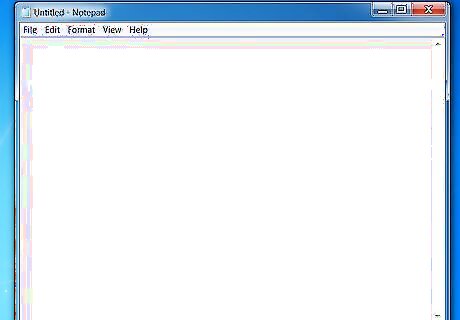
Open notepad.
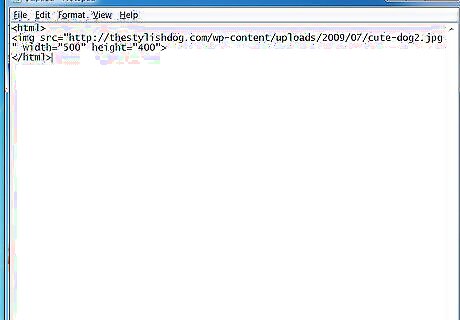
Write these on the notepad:
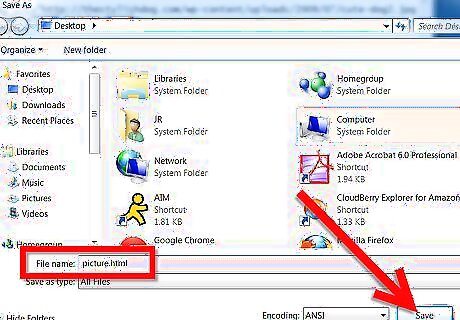
Save as html file.
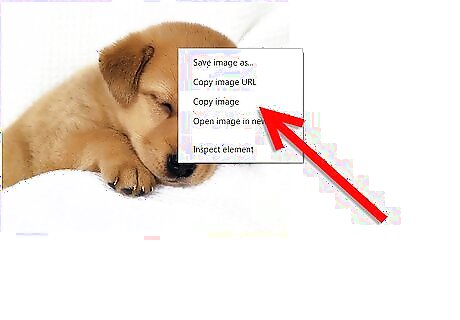
Open the html file. Copy the image on the file.
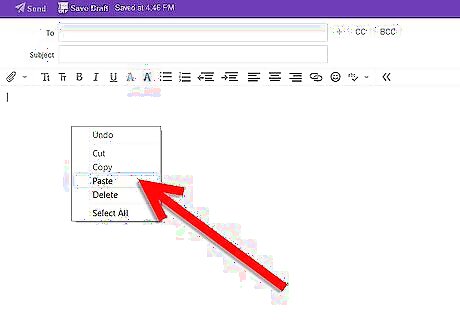
Paste it on the content of your mail.
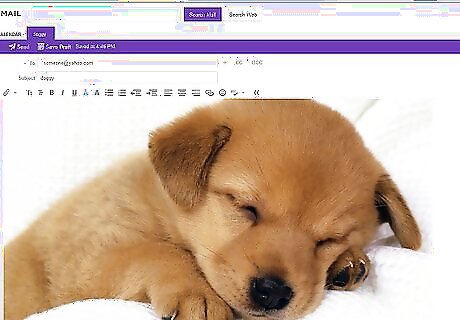
Write your message, and you have a picture on your mail!







Comments
0 comment